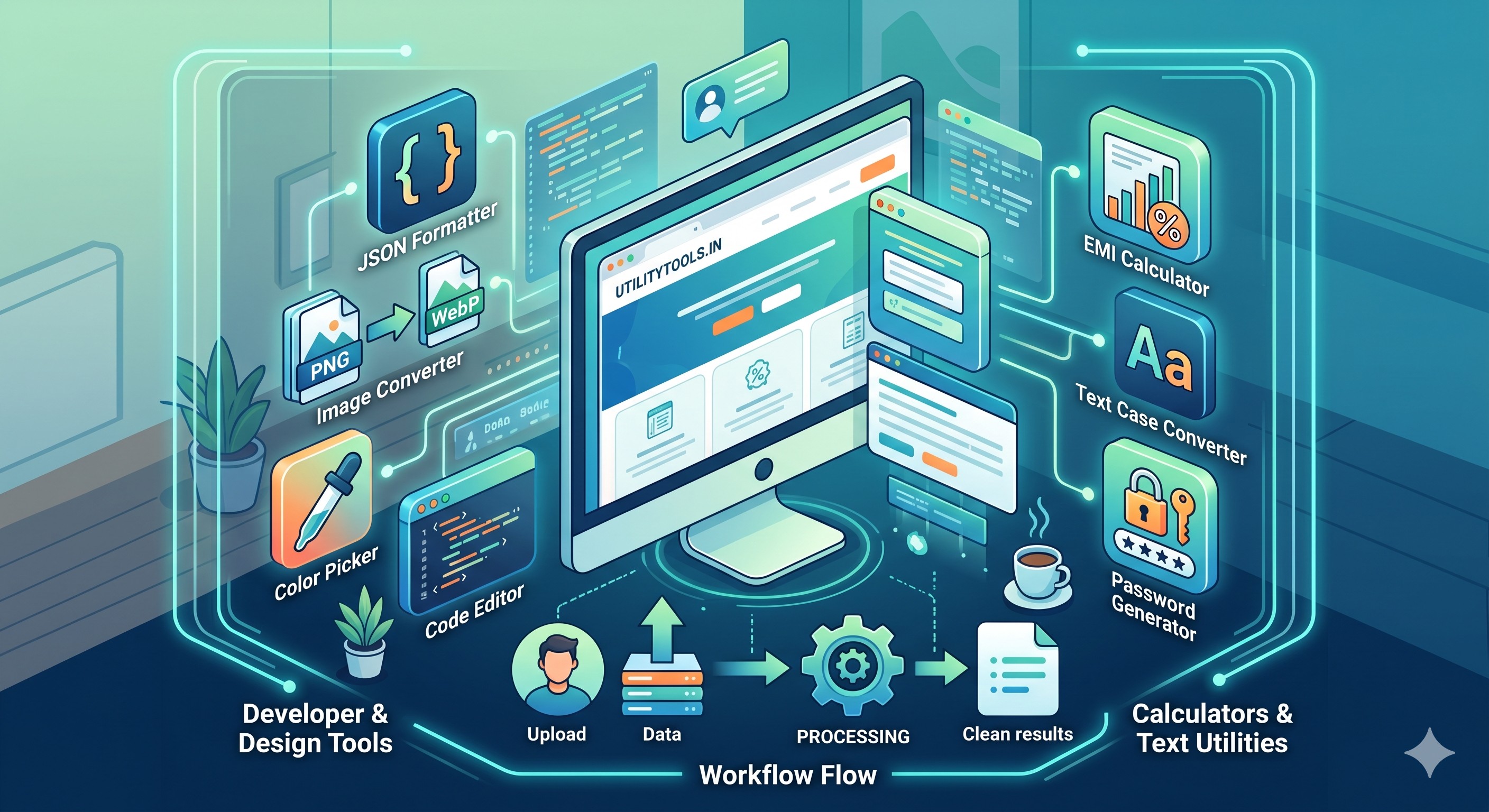
Why Free Online Web Tools Are the Unsung Heroes of the Modern Web
We’ve all been there: you need to quickly convert a PNG to a WebP image, calculate an exact loan EMI, format a messy JSON file, or generate a secure password. Ten years ago, this usually meant downloading a sketchy desktop software or bloating your computer with heavy applications.
Introduction
We’ve all been there: you need to quickly convert a PNG to a WebP image, calculate an exact loan EMI, format a messy JSON file, or generate a secure password. Ten years ago, this usually meant downloading a sketchy desktop software or bloating your computer with heavy applications.
Today, you just open a tab, type in a URL like utility tools, and get the job done in three seconds flat using free online web tools.
Web-based text utilities, developer tools, and online converters have quietly become the backbone of daily digital workflows for programmers, designers, students, and everyday internet users. Here is a look at why these browser-based micro-apps are absolute game-changers and which free online calculators you should keep bookmarked.
1. The Death of Software Bloat
The biggest advantage of using an online utility tool kit is efficiency. There is zero installation required. Whether you are on a high-end work computer, a restricted office laptop, or a mobile phone on the go, these free web applications work entirely in your browser.
Saves Storage: No more filling up your hard drive with single-use apps.
Instant Updates: You always use the latest, bug-free version of the tool without ever clicking "Update."
2. Speed and Focus Over Heavy UI
Think about Adobe Photoshop. It is an incredible piece of software, but if you just need to resize an image or crop a background, opening it feels like driving a tank to the grocery store.
A dedicated image compressor tool or a quick text layout utility does one thing perfectly. They load instantly, feature clean interfaces, and give you your output without making you navigate complex menus.
Essential Productivity Tools Every Professional Should Bookmark
To maximize your daily workflow, a solid online utility kit should feature a mix of these high-performance options:
🛠️ Developer Tools & Design Utilities
JSON Formatter & Validator: Turns ugly, minified API data into clean, readable code blocks.
Online Converters & Compressors: Crucial for web optimization. Quickly dropping a file into a PNG to WebP converter keeps websites fast and SEO-friendly.
CSS Grid & Flexbox Generators: Visual layout tools that let you tweak designs and copy the code instantly.
📊 Free Online Calculators & Finance
Percentage & Margin Calculators: Essential for e-commerce store owners and digital marketers calculating discounts or ad returns.
EMI & Investment Planners: Quick, slider-based inputs that help you visualize financial data without setting up complex Excel sheets.
📝 Smart Text Utilities
Case Converters: Instantly turn a block of text into UPPERCASE, lowercase, or Title Case.
Word Counters & Character Counters: Critical for writers and SEO professionals ensuring their copy meets exact length standards.
MD5/SHA256 Hash Generators: For verifying file integrity or quickly securing data strings.
[ Your Input Data ] ➔ [ utilitytools.in ] ➔ [ Instant, Clean Output ]
Security in the Age of Online Web Tools
A common question people ask is: Is it safe to paste my data into online tools? Modern web utilities are incredibly safe because the vast majority of them process data client-side. This means when you use a text converter, a formatting tool, or a local mathematical calculator, the data never actually leaves your computer or travels to an external server. It happens right inside your browser via JavaScript, ensuring your privacy remains completely intact.
Final Thoughts: Simplicity Wins
The best workflows are the ones with the least friction. By keeping a reliable suite of free web utilities in your bookmarks bar, you eliminate the micro-frustrations of daily digital tasks.
What is the one utility tool you find yourself using every single day? Let us know in the comments below, and don't forget to explore our expanding library of free online web tools right here on utility tools
Why this matters
Understanding why free online web tools are the unsung heroes of the modern web helps you work faster with fewer mistakes. Many users discover this workflow only after wasting time on manual steps or desktop software installs.
Browser-based tools remove friction. You can complete the task from any device, share results immediately, and move on to the next item on your list. That is especially useful for guides workflows in fast-moving teams.
Best practices
Start with a clear goal: what output do you need, and who will use it? For our utility tools, define quality expectations before you begin so you do not over-process files.
Keep originals backed up. Online tools are excellent for quick transformations, but archiving source files protects you if you need to re-edit later with different settings.
Review results before sharing externally. Automated processing is fast, yet a quick visual check prevents sending the wrong version to clients or classmates.
Frequently asked questions
Yes — the related our utility tools tool on our site is free for everyday use without mandatory registration.
No. A modern browser is enough for most tasks described in this article.
Browse related articles in the same category or open the tool page for step-by-step instructions and FAQs.
Conclusion
Why Free Online Web Tools Are the Unsung Heroes of the Modern Web does not have to be complicated. With the right tool and a simple checklist, you can get reliable results in minutes.
Bookmark the related tool page, explore similar utilities, and check back for updated guides as we expand our blog library.



Comments
No login required. Your name is filled automatically when signed in. Comments appear after admin approval.
Loading comments...