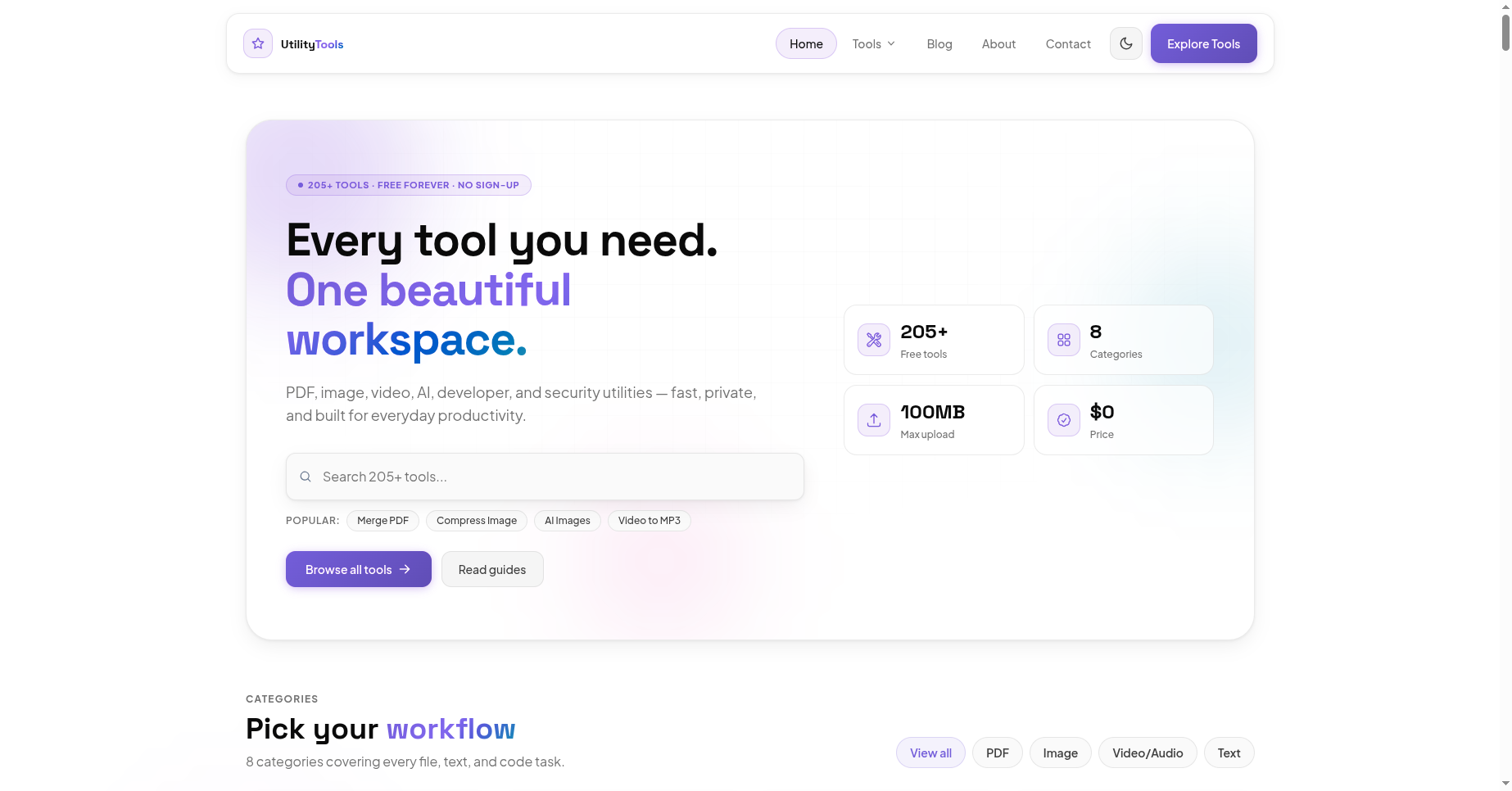
Boost Your Digital Productivity: The Ultimate Guide to Free Online Tools at UtilityTools.in
In today’s fast-paced digital landscape, efficiency is everything. Whether you are a student rushing to submit an assignment, a digital marketer optimizing a website, or a web developer writing complex code, time is your most valuable asset. The secret to getting things done faster? Having the right set of tools at your fingertips.
Introduction
In today’s fast-paced digital landscape, efficiency is everything. Whether you are a student rushing to submit an assignment, a digital marketer optimizing a website, or a web developer writing complex code, time is your most valuable asset. The secret to getting things done faster? Having the right set of tools at your fingertips.
Enter UtilityTools.in, your one-stop destination for the best free online tools designed to simplify your daily tasks and skyrocket your productivity.
In this blog, we’ll explore the top features of UtilityTools.in and how these powerful digital utilities can transform the way you work.
1. Seamless Document Management
Dealing with different document formats can be a massive headache. UtilityTools.in offers a robust suite of document utilities that allow you to convert, merge, and edit files without installing heavy software.
Online PDF Converter: Easily convert Word, Excel, and images to PDF, or extract text from existing PDFs in seconds.
Text Tools & Word Counter: Need to check your essay length or format an article? Use the free word counter and text case converters to perfectly format your written content.
2. Fast & Flawless Image Optimization
High-quality images are crucial for websites and presentations, but large file sizes can slow down web pages and clog up storage.
Image Compressor: Shrink file sizes without losing quality. This is an essential tool for bloggers and webmasters looking to improve their site loading speeds.
Image Resizer & Format Converter: Instantly convert PNGs to JPGs, WebP, or resize them for your specific social media dimensions.
3. Essential Web Developer Tools
Coding requires precision, and sometimes you just need a quick tool to format, decode, or test a snippet of data. UtilityTools.in caters specifically to programmers with reliable web developer tools:
JSON Formatter & Validator: Easily clean up messy code, validate your JSON strings, and make them human-readable.
Base64 Encoder/Decoder: Securely encode data or decode strings with just one click, streamlining your backend processes.
4. Grow Your Reach with Built-in SEO Tools
If you manage a blog or a business website, search engine optimization is vital. UtilityTools.in includes a handy selection of SEO tools to help you generate meta tags, create XML sitemaps, and analyze keywords, ensuring your content ranks higher on search engines.
Why Choose UtilityTools.in?
You might be wondering, with so many websites out there, why make utilitytools.in your go-to hub?
100% Free to Use: No hidden fees, no expensive subscriptions.
No Installation Required: Access all tools directly from your web browser on any device (Windows, Mac, iOS, or Android).
Data Privacy: Your uploaded files are processed securely and automatically deleted from the servers, ensuring your sensitive data remains private.
User-Friendly Interface: A clean, intuitive design means you can find exactly what you need in seconds.
Final Thoughts
Stop wasting time searching the web for individual calculators, converters, and formatters. By bookmarking UtilityTools.in, you gain instant access to a massive library of online utility tools that make digital work a breeze.
Head over to the site today, explore the toolkit, and take the first step toward a more efficient, productive workflow!
Why this matters
Understanding boost your digital productivity: the ultimate guide to free online tools at utilitytools.in helps you work faster with fewer mistakes. Many users discover this workflow only after wasting time on manual steps or desktop software installs.
Browser-based tools remove friction. You can complete the task from any device, share results immediately, and move on to the next item on your list. That is especially useful for guides workflows in fast-moving teams.
Best practices
Start with a clear goal: what output do you need, and who will use it? For our utility tools, define quality expectations before you begin so you do not over-process files.
Keep originals backed up. Online tools are excellent for quick transformations, but archiving source files protects you if you need to re-edit later with different settings.
Review results before sharing externally. Automated processing is fast, yet a quick visual check prevents sending the wrong version to clients or classmates.
Frequently asked questions
Yes — the related our utility tools tool on our site is free for everyday use without mandatory registration.
No. A modern browser is enough for most tasks described in this article.
Browse related articles in the same category or open the tool page for step-by-step instructions and FAQs.
Conclusion
Boost Your Digital Productivity: The Ultimate Guide to Free Online Tools at UtilityTools.in does not have to be complicated. With the right tool and a simple checklist, you can get reliable results in minutes.
Bookmark the related tool page, explore similar utilities, and check back for updated guides as we expand our blog library.



Comments
No login required. Your name is filled automatically when signed in. Comments appear after admin approval.
Loading comments...